Castle Engine and Castle Studio

Castle is a platform for AI in closed environments.
It is implemented with a Spring AI backend, called Castle Engine, and a Vue frontend, called Castle Studio.
Since Castle is REST-based and using OAuth 2.0, Vue commponents can be copied and modified, and used in other applications with the same backend.
Functionality is split into separate modules.
Some modules are dependent on other modules. For instance, the translation module
depends on the dictionary module and the llm module.
The backend and the frontend have the same modules.
This simplifies maintainability.
Roles

Castle uses a role system similar to Snowflake, where you can limit tool and data access using role assignments. You can map external roles, e.g. from OAuth 2.0, to Castle roles.
In the frontend, you select which role you want to use to execute a server request. This role is used for all access in the backend, so it is easy to simulate access restrictions by simply selecting a role with less or other access rights.
Most menu elements in the frontend requires a selected role or a child of the selected role.
LLM
The llm (large language model) module is used for handling and displaying llms. The llms are defined in the application properties. The llm service keeps track of llm token usage for individual users.
Providers
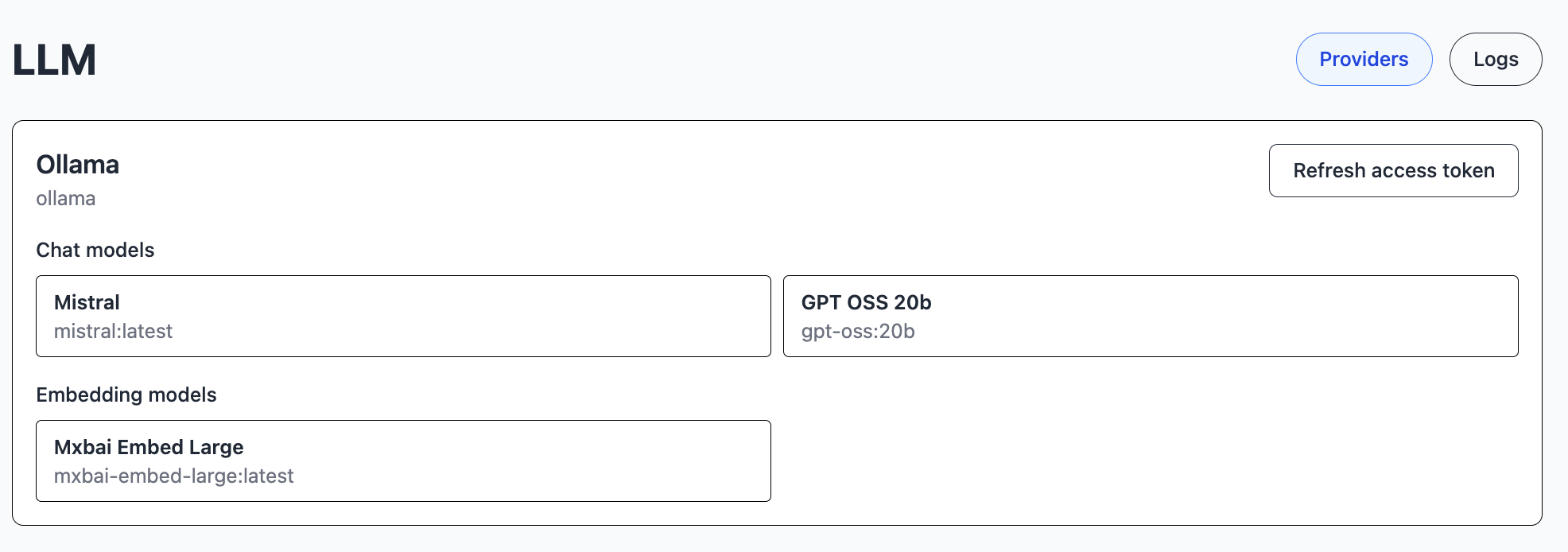
LLM Providers are Large Language Model servers. You set these up, including which models are available, in the Castle configuration file, and you can restrict usage with roles.
Each provider may have chat models as well as embedding models.
Logs
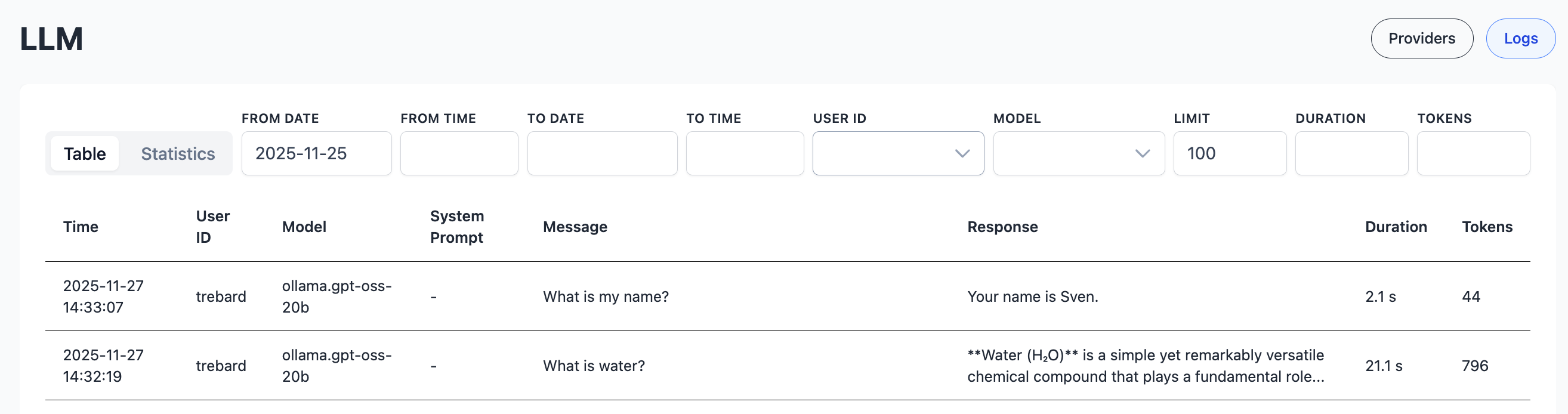
All LLM calls, including embeddings, are logged, and can be tracked and filtered.
Statistics
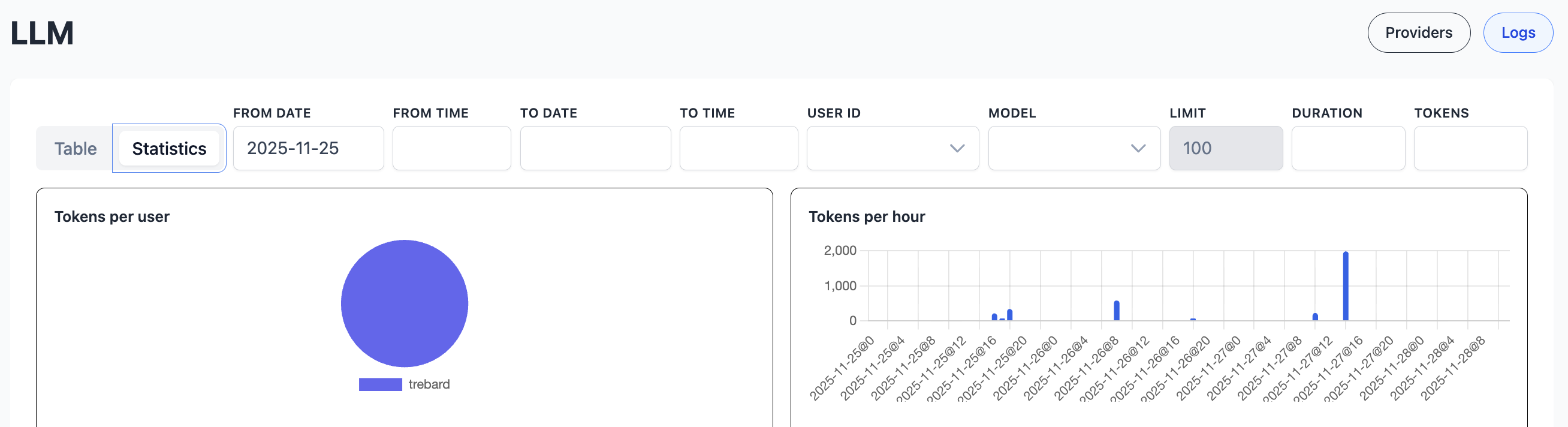
You can also view statistics of token usage.
Vector
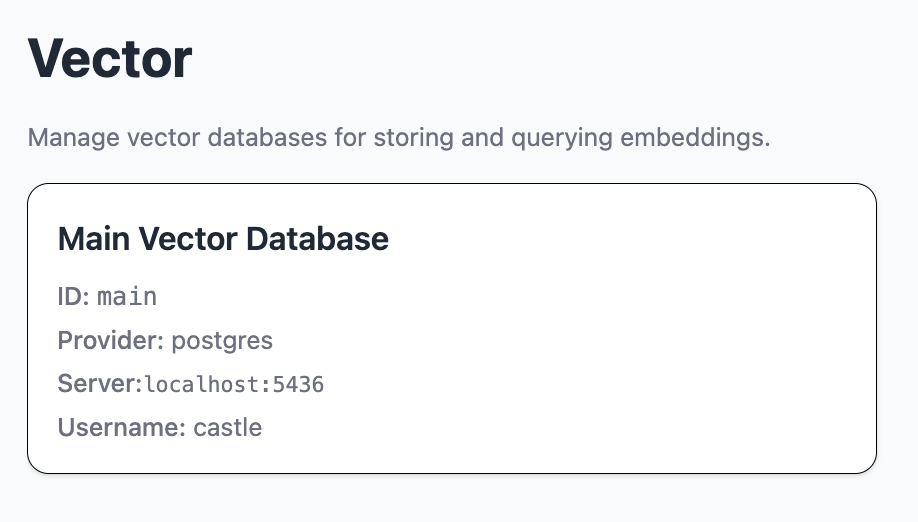
The vector module shows and handles vector databases.
Embedding
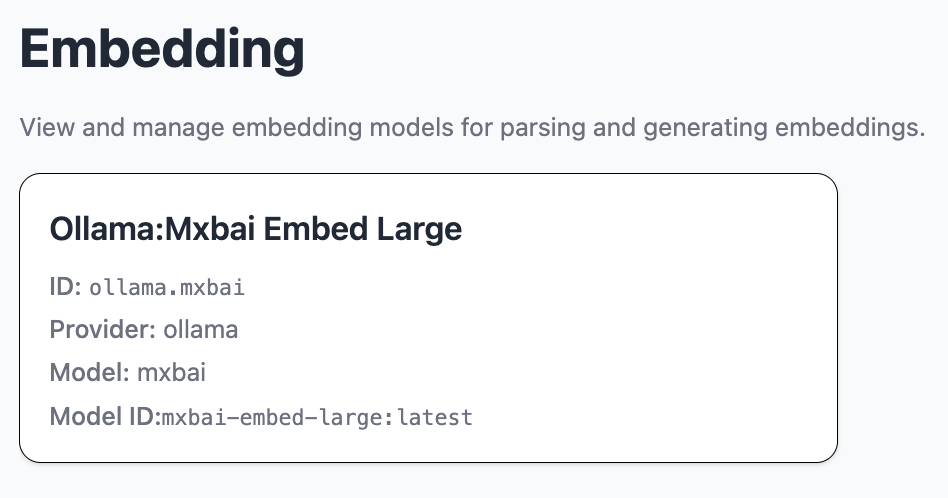
The embedding module shows and handles embedding models and calculations.
Datastore
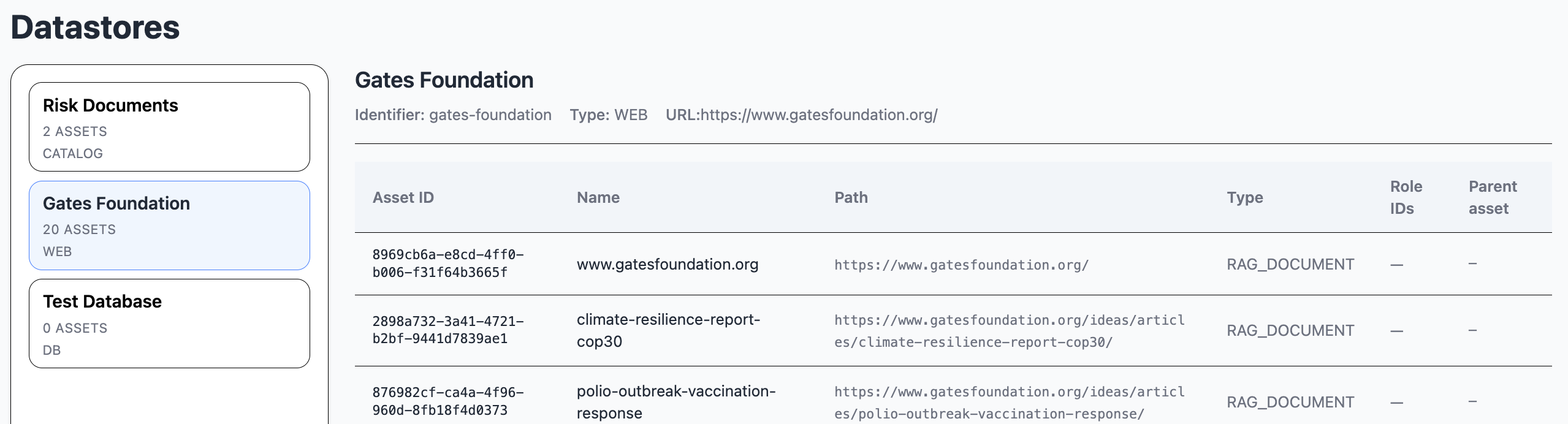
The datastore module is used for handling and displaying datastores.
A datastore is the location of data. It may be a local catalog, a database or a website.
An asset is a document in a datastore. It may be a file, a database table or a webpage.
The datastores are defined in the application properties, to avoid credential handling in the frontend.
Keys
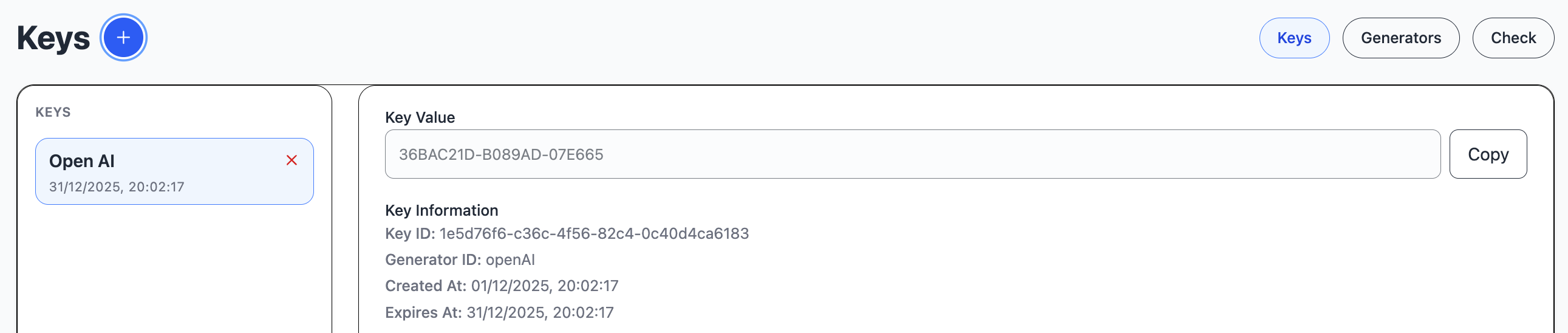
The keys module handles access keys.
in the Keys view, you can generate a new key, based on a generator.
A key generator defines how to generate and hash a key.
A pattern is a number of pattern keys, each followed by an optional count.
Keys:
- "a": a-z
- "A": A-Z
- "x": 0-f
- "X": 0-F
- "d": digit 0-9
- other characters are just copied into the pattern
For instance, "X8-X6-X6" may result in key value "2F8A342C-3135E4-BA5F4F"

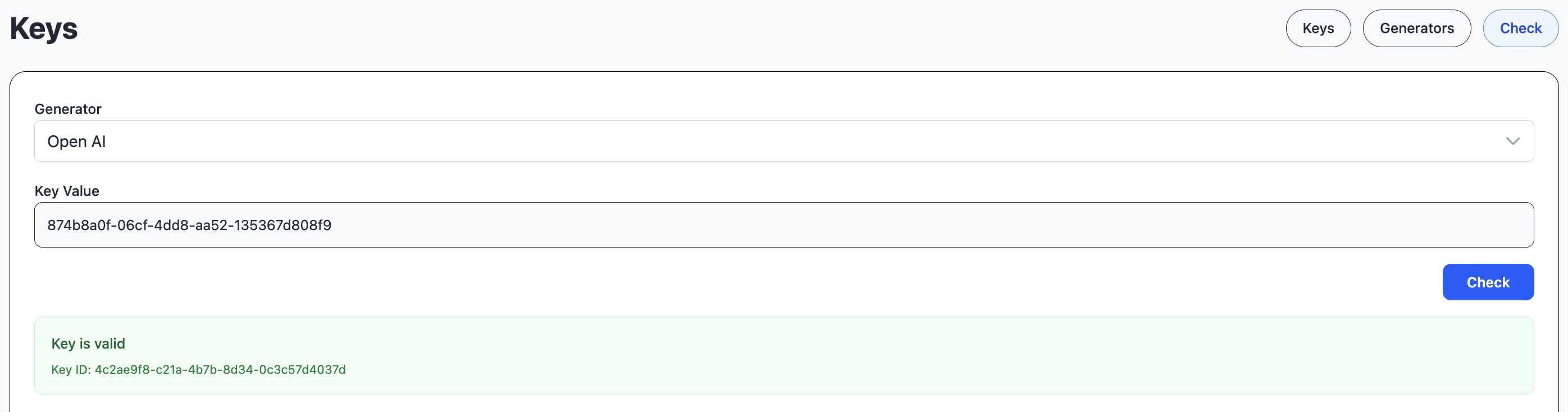
You can check the validity of a key for the current user.
Pipeline
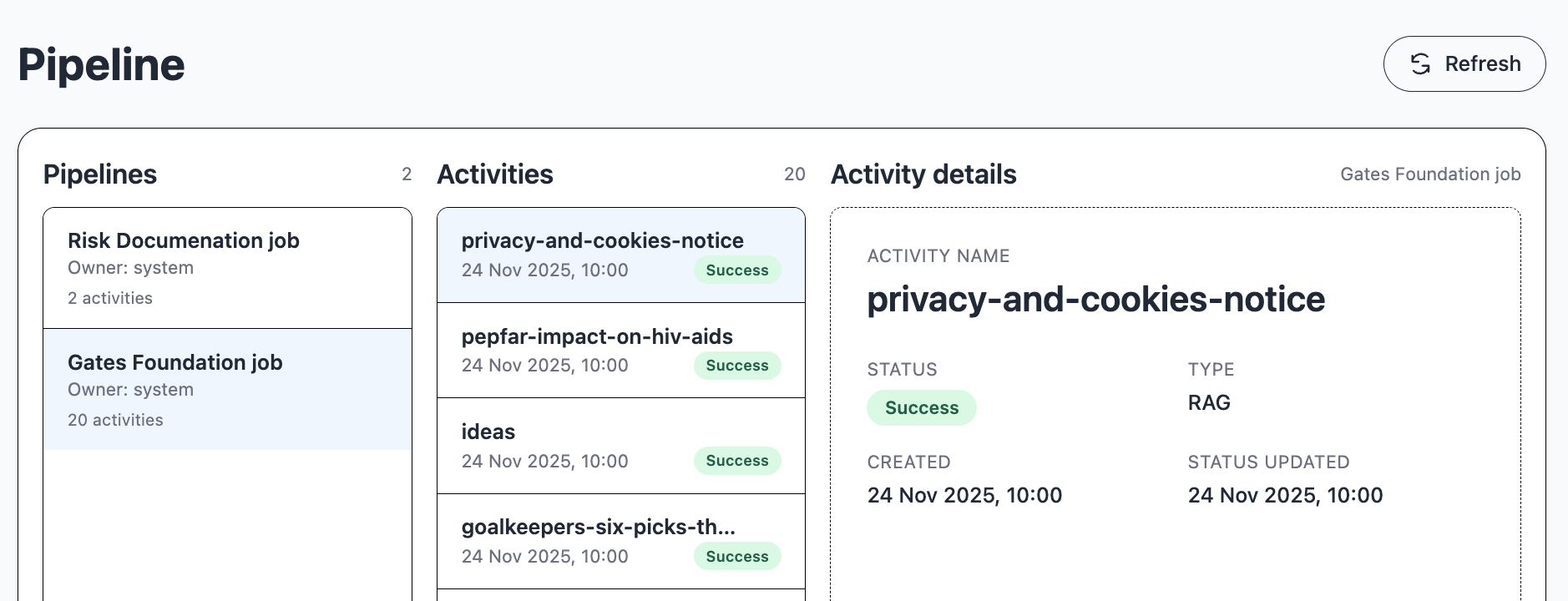
The pipeline module handles chained activities, e.g. llm queries, rag analysis or translation jobs.
An activity is an asynchronous task that is executed by the pipeline service in the server. Activities may be dependent on the outcome of other activities.
A pipeline is a set of activities.
Context

The context module handles contexts, including system prompts, that are used by other modules.
Dictionary
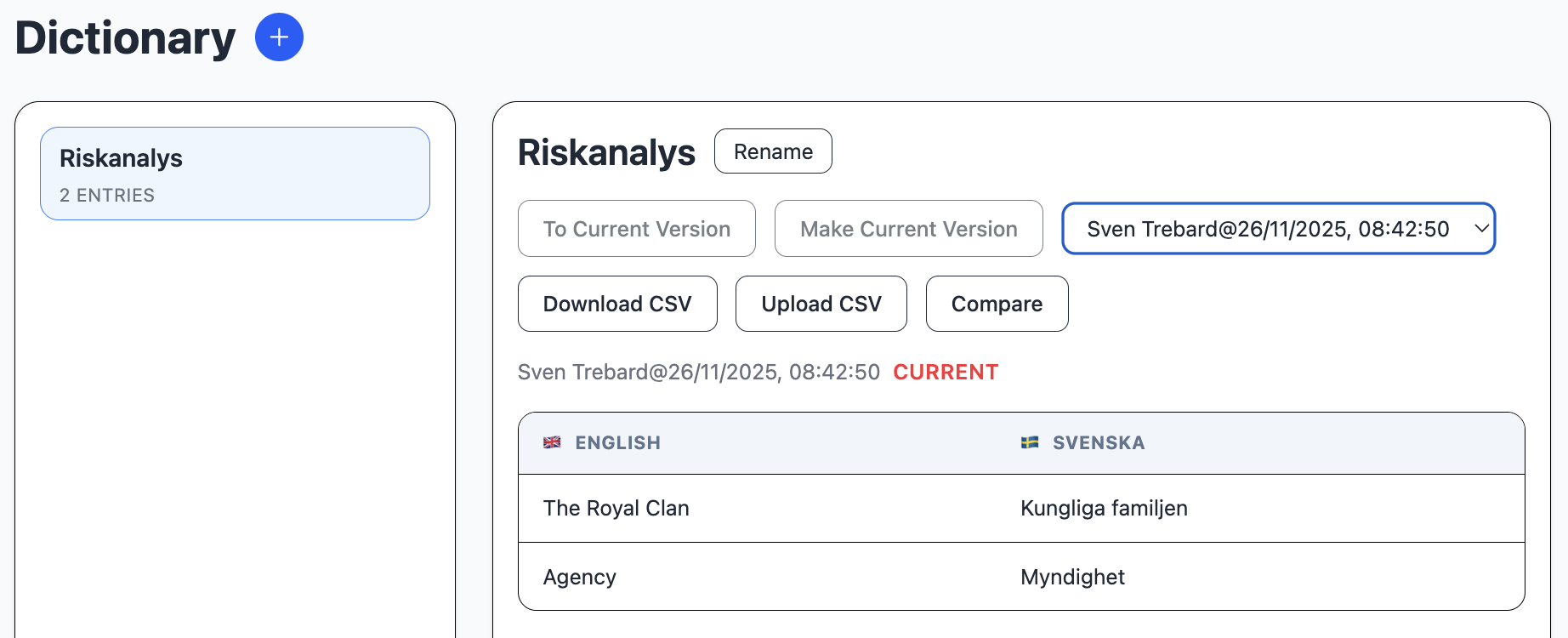
The dictionary module handles specific translation phrases. In the application properties, you can define is a list of predefined languages to translate to and from.
The dictionary can be used for translations, where the LLM does not know the exact translation of specific terms or names.
Translation

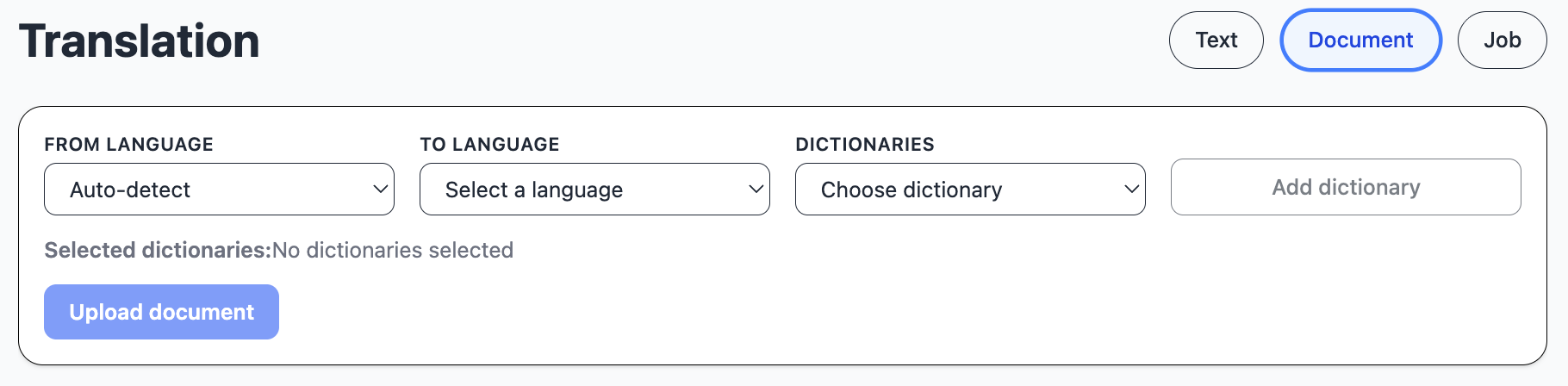
The translation module handles translation of text and documents.
You can select one or multiple dictionaries for the translation of specific terms or names.
You can also select a context.
You can type or paste and translate a specific text. The response is streamed to the translated text area.
You can translate a document, keeping the formatting and images of word documents or pdfs.

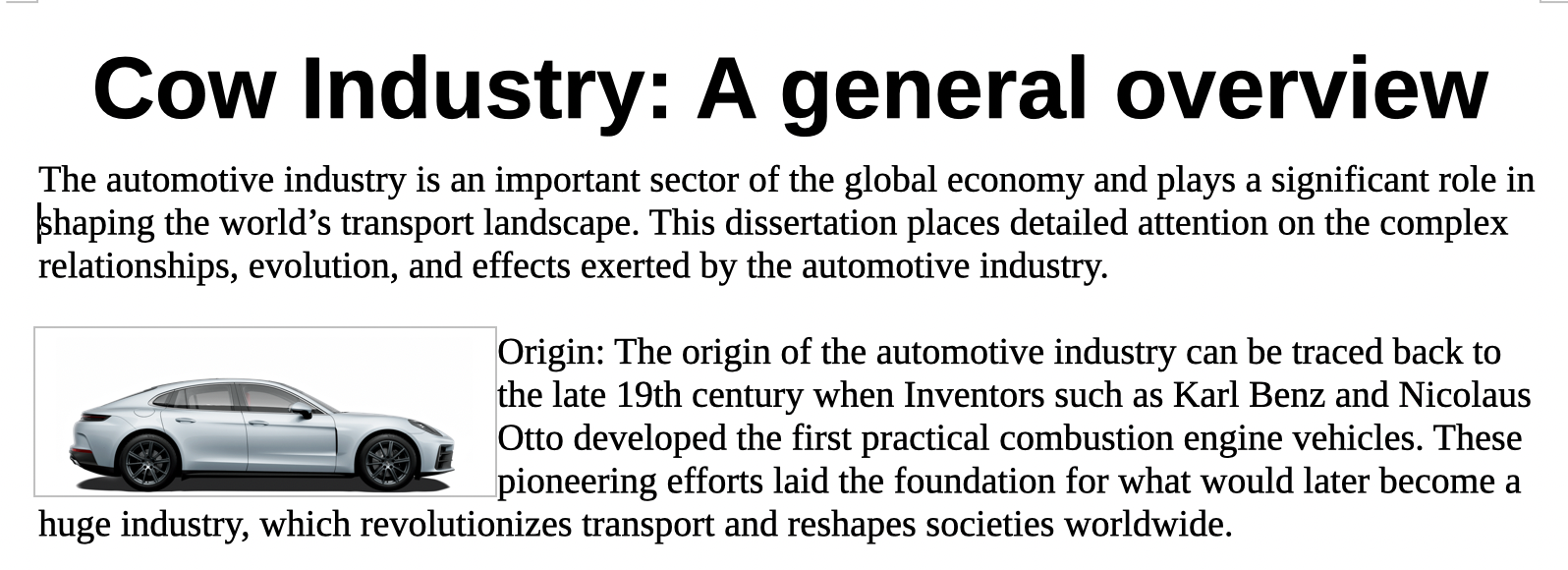
This is and example of a translation using a dictionary. In this example, just for demo purposes, Bilindustri (automobile industry) should be translated to Cow industry, which it was.
This is an example of a document with text and formatting.
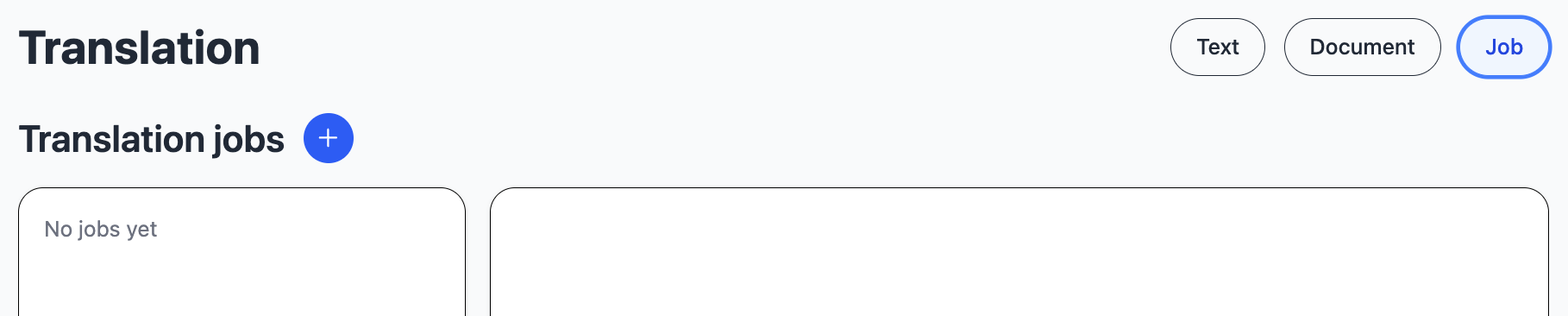
You can start a pipeline job to translate a whole catalog of documents.
RAG
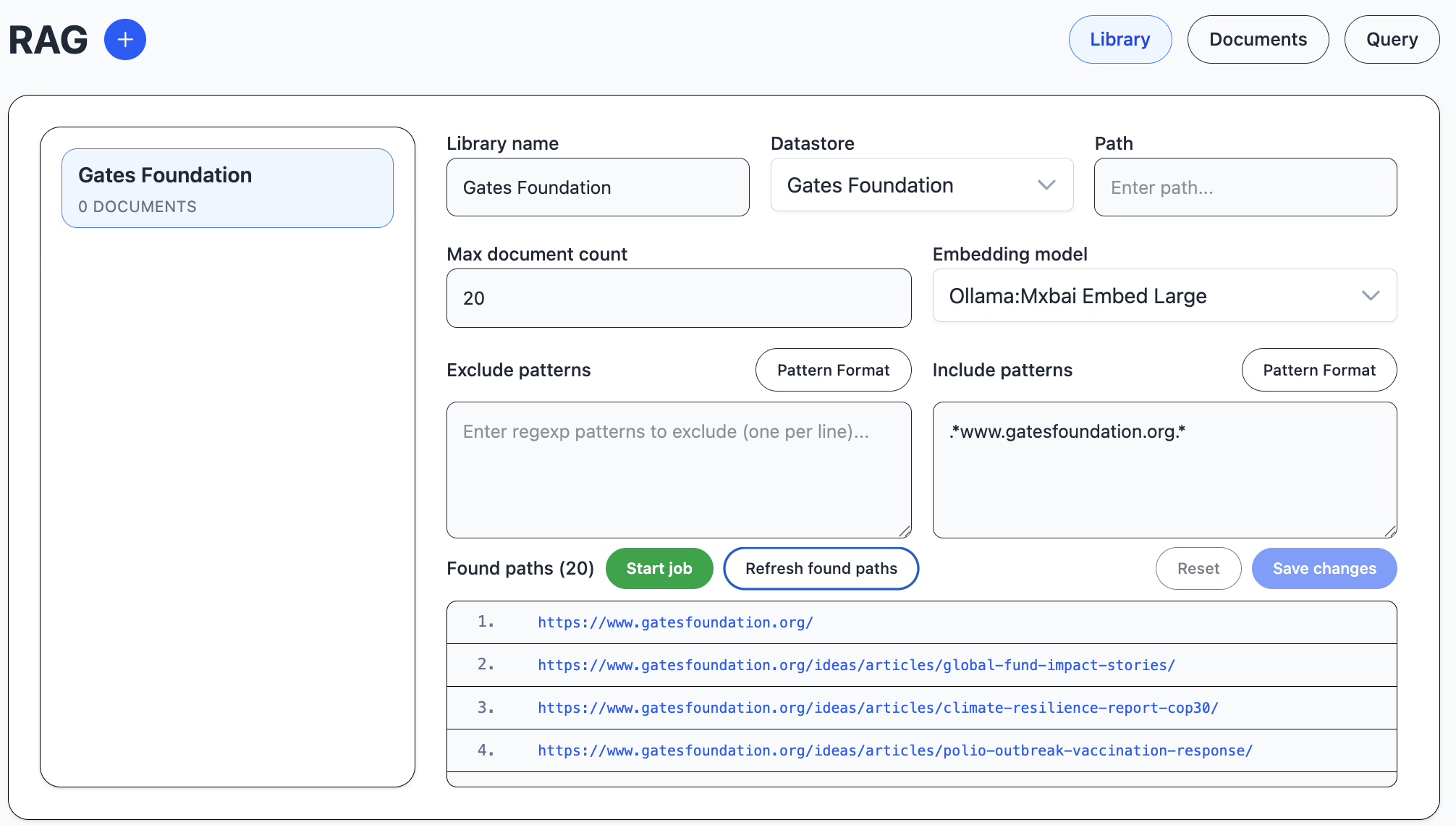
The rag module handles RAG, retrieval augmented generation. RAG is a way to find local information that resembles a question, and use a llm to summarize or search for an exact result based on the local information.
Rag documents are organized into libraries. Since all documents are encoded in the same vector database table, you can use multiple libraries in the same vector search.
One datastore type we have added mostly for demo purposes is website.
In this image, we are scraping 20 pages from a website to find information.
Then we start a pipeline job to download the pages, divide them into chunks
and calculate an embedding vector that represents the chunk content.
The Documents view of RAG shows the version of the selected library.
Each RAG version has a set of documents. Each document is divided into chunks.
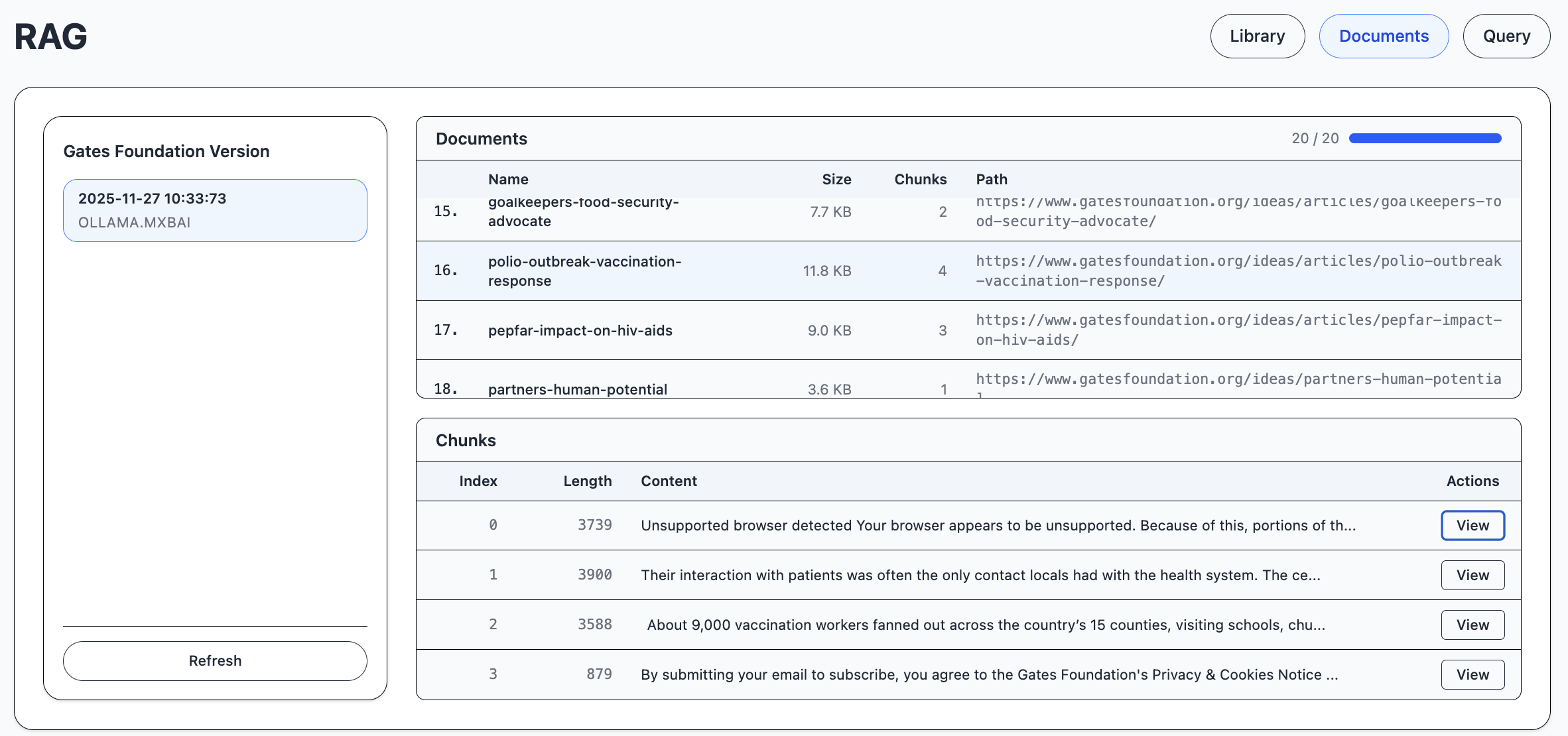
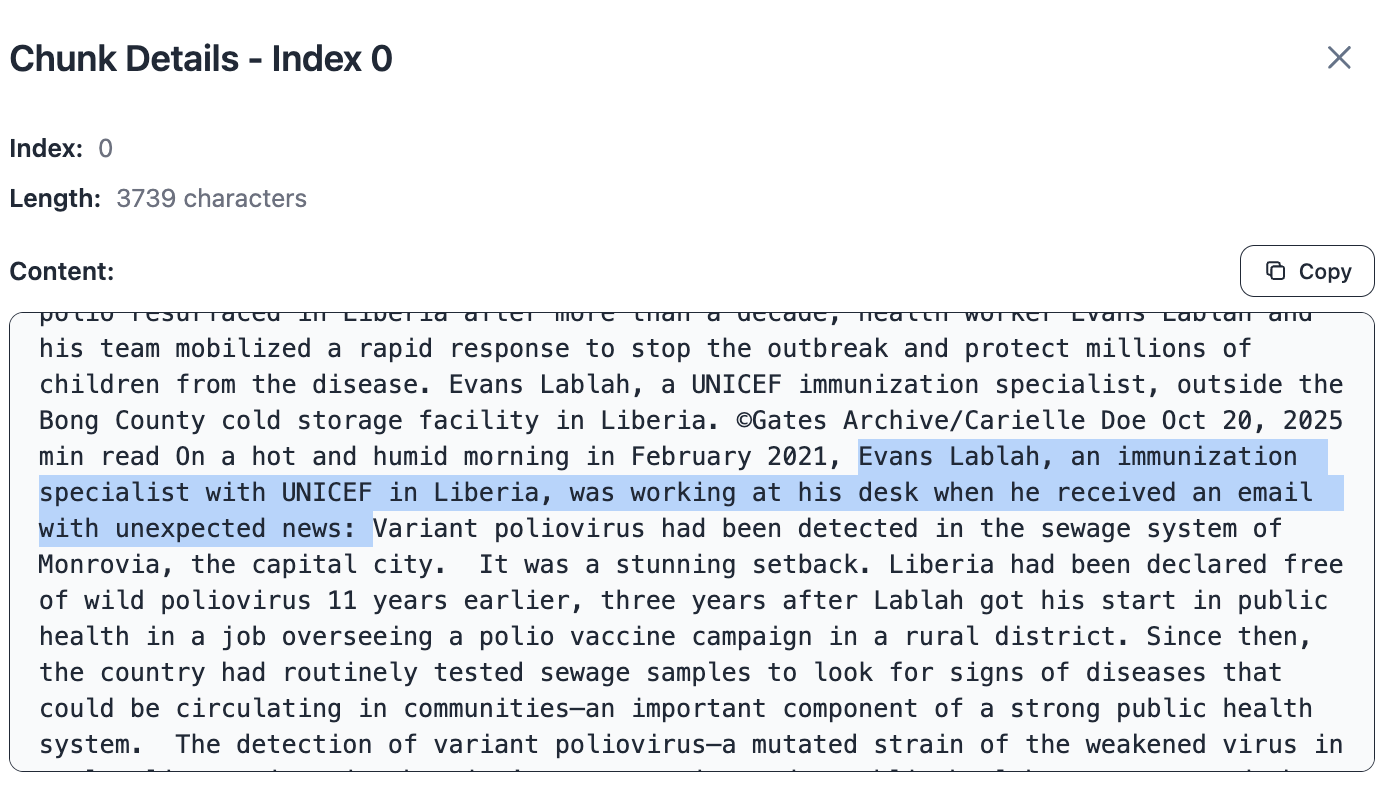
A chunk is a text of about 2000 characters.
Here we have highlighted some information in the chunk that we will search for.
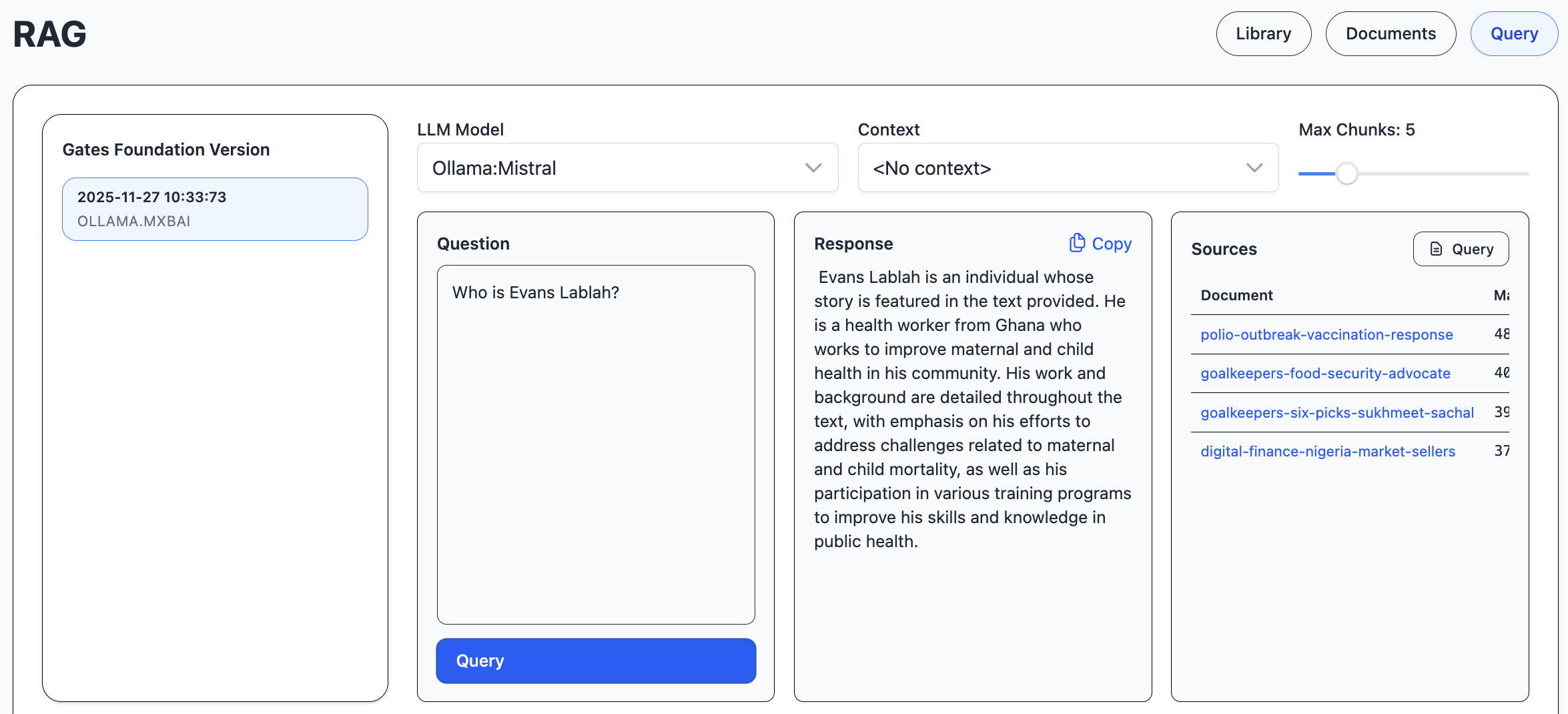
In the Query view, we select one library version, type a question, and look for chunks that are similar to the question. The documents that the chunks belong to are listed in the sources list.
The response is streamed to the response area.
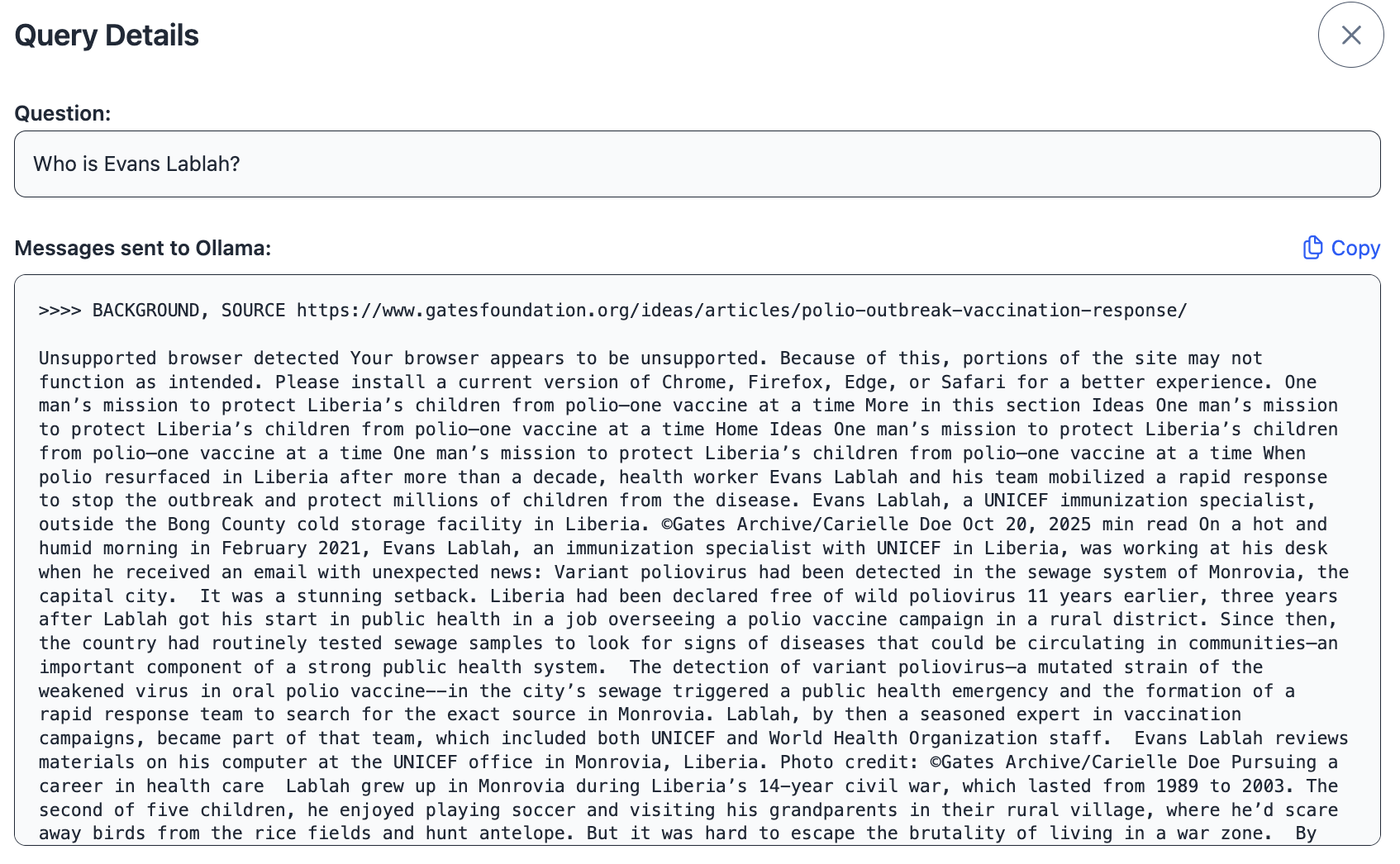
Developer or other interested users can investigate the exact prompt that was sent to the llm, e.g. to compare the performance of different embeddings and chat models.
Curated
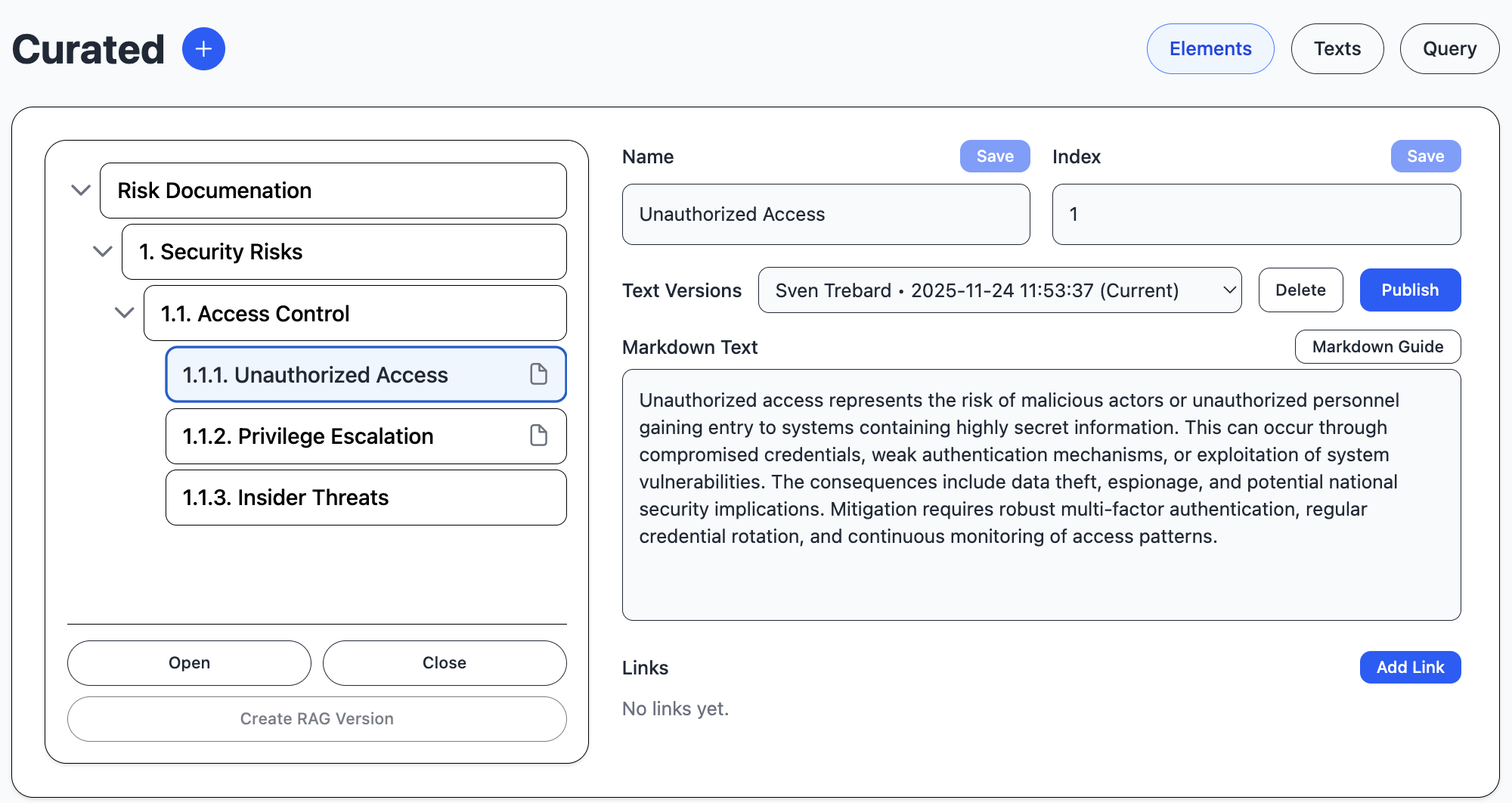
The curated module handles curated text and images to be used in standard documents. It uses RAG structure to encode and query the text, although the text can also be used in documents without modification.
The elements are divided into libraries, which are the top elements of the element tree, and a hierarchical structure of curated, versioned texts.
You select a top element and start a pipeline job to create embeddings for all texts below the top element. The embeddings are associated with a new version, so you can compare text changes.
When you start a job, a document is created for the current version of each curated text, with its content encoded as an embedding vector in the vector database.
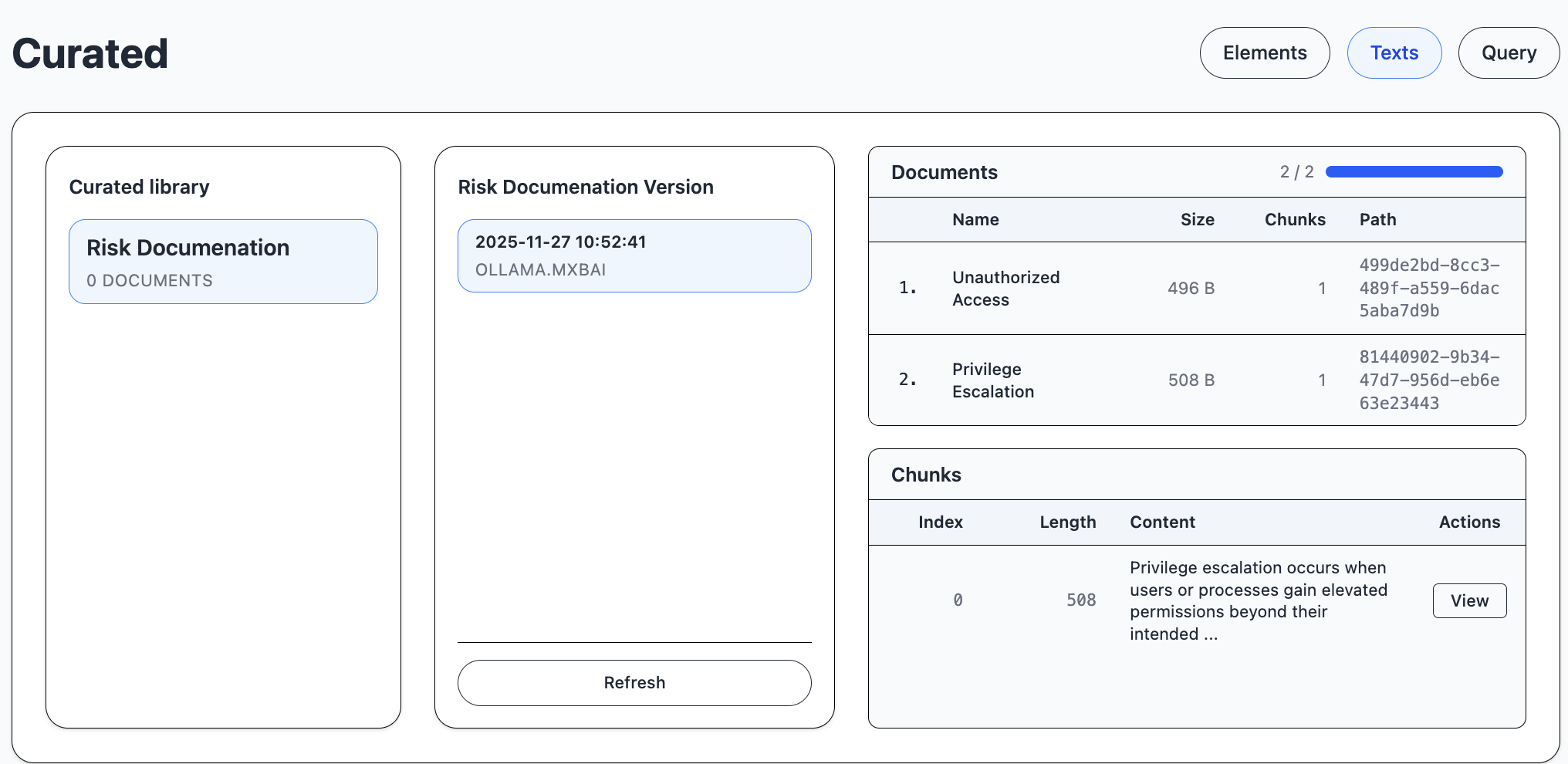
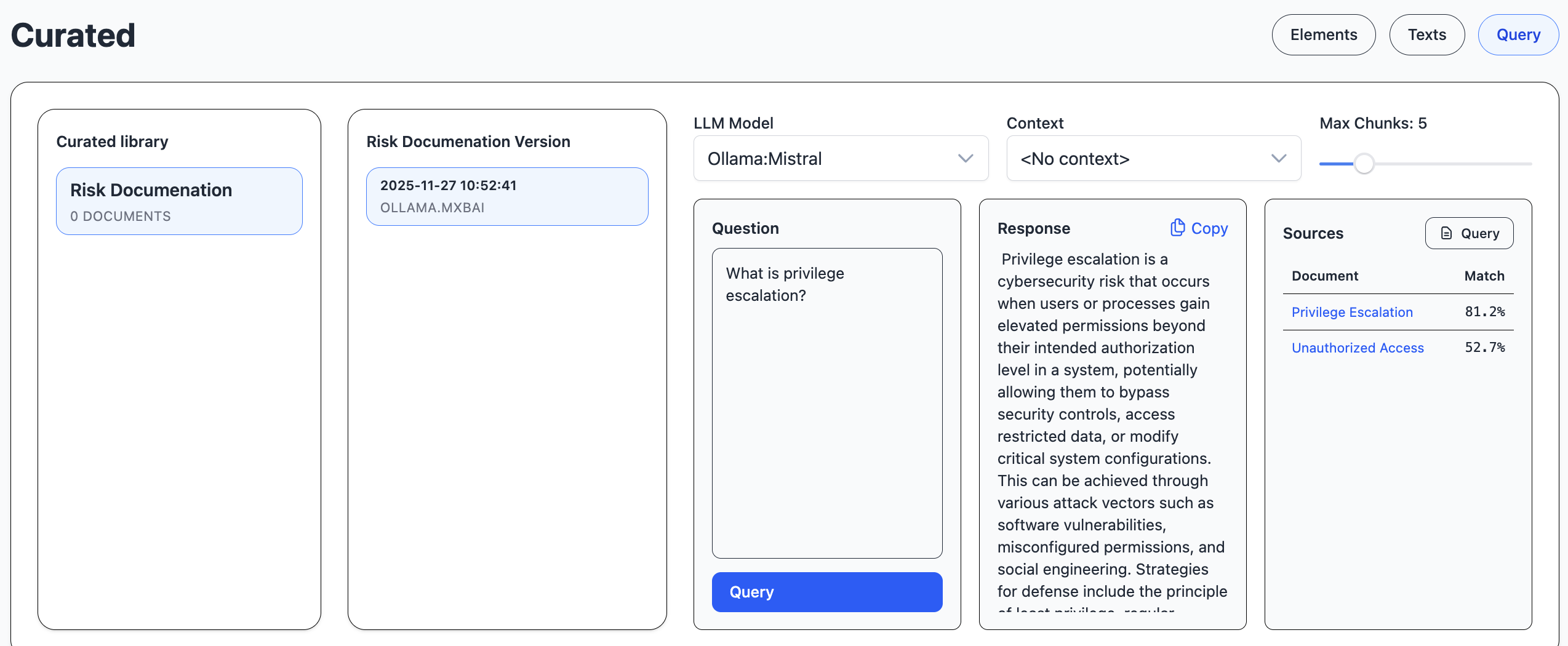
You can ask questions about the selected curated library version and examine the sources and prompt.
MCP
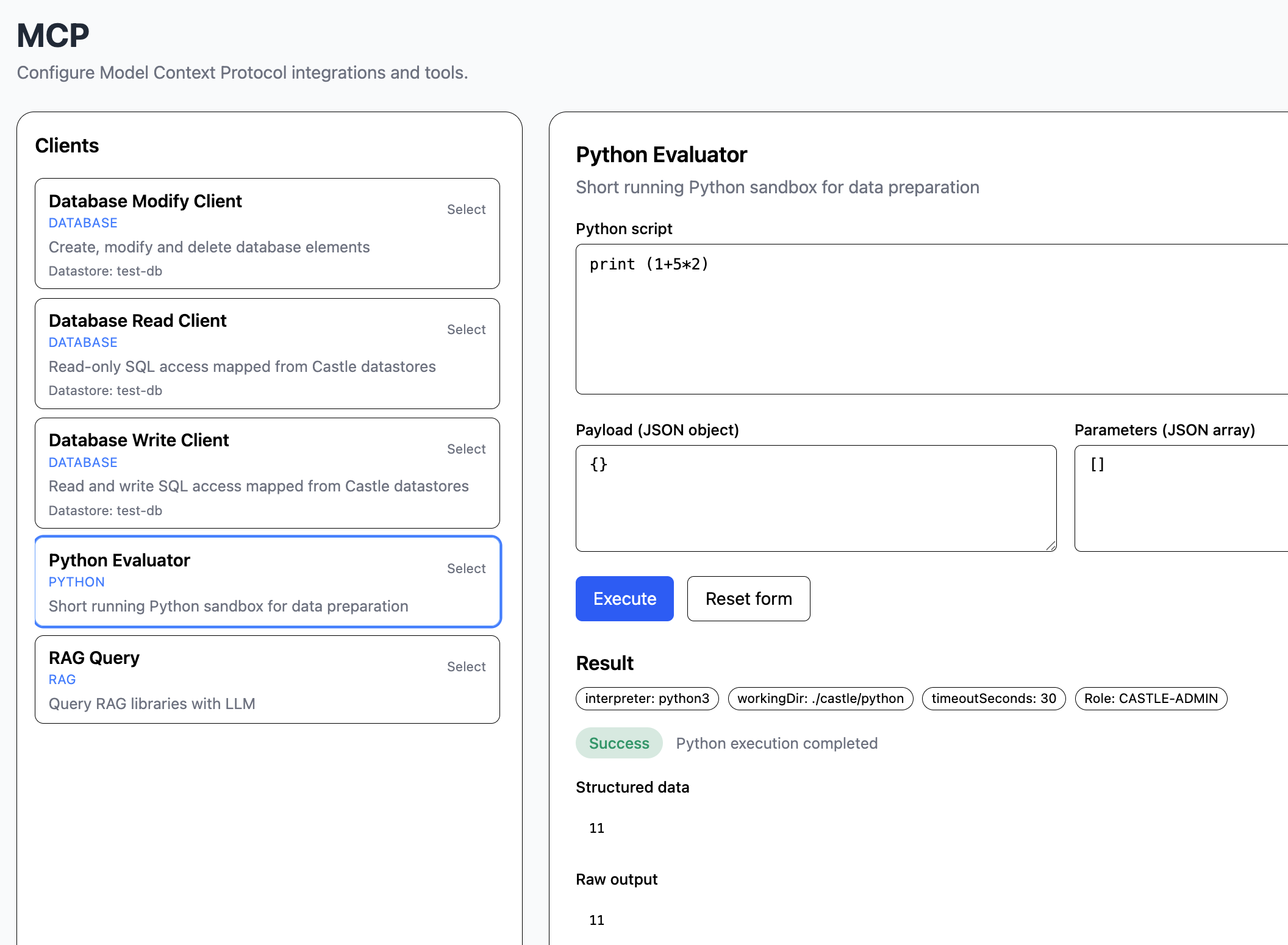
The mcp module handles MCP, model context protocol, which is an organized way to access external data, evaluate Python scripts or perform some other task.
In this example, we evaluate a simple Python script.
Workflow

The workflow module handles workflows. They are based on pipelines.
Agent
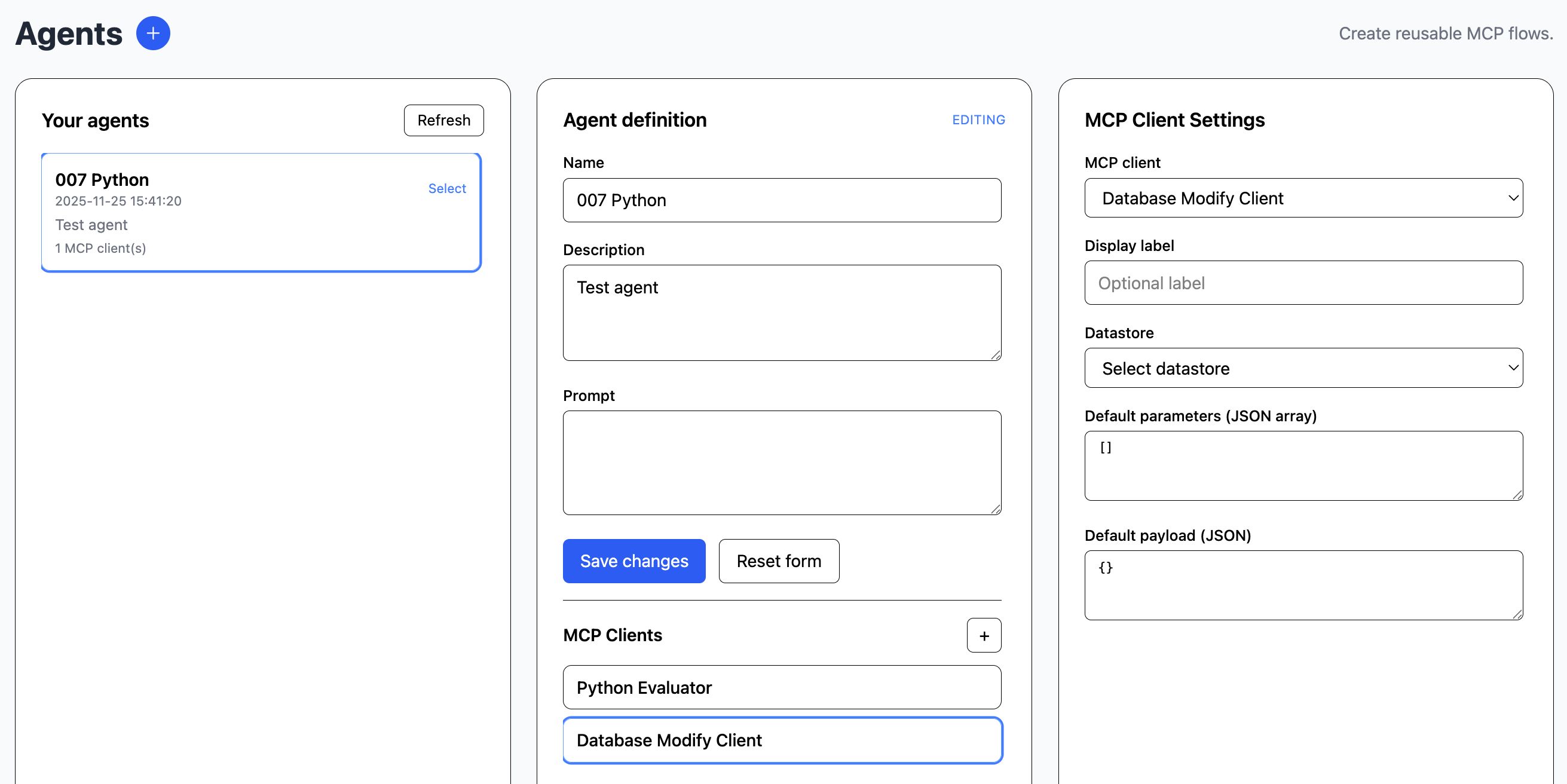
The agent module handles AI agents, which are dynamic workflows powered by LLM planning.
An agent can be used for mixing llm queries and mcp tasks. Each defined agent is attached to any number of mcps for external tasks.
Synthetic Data
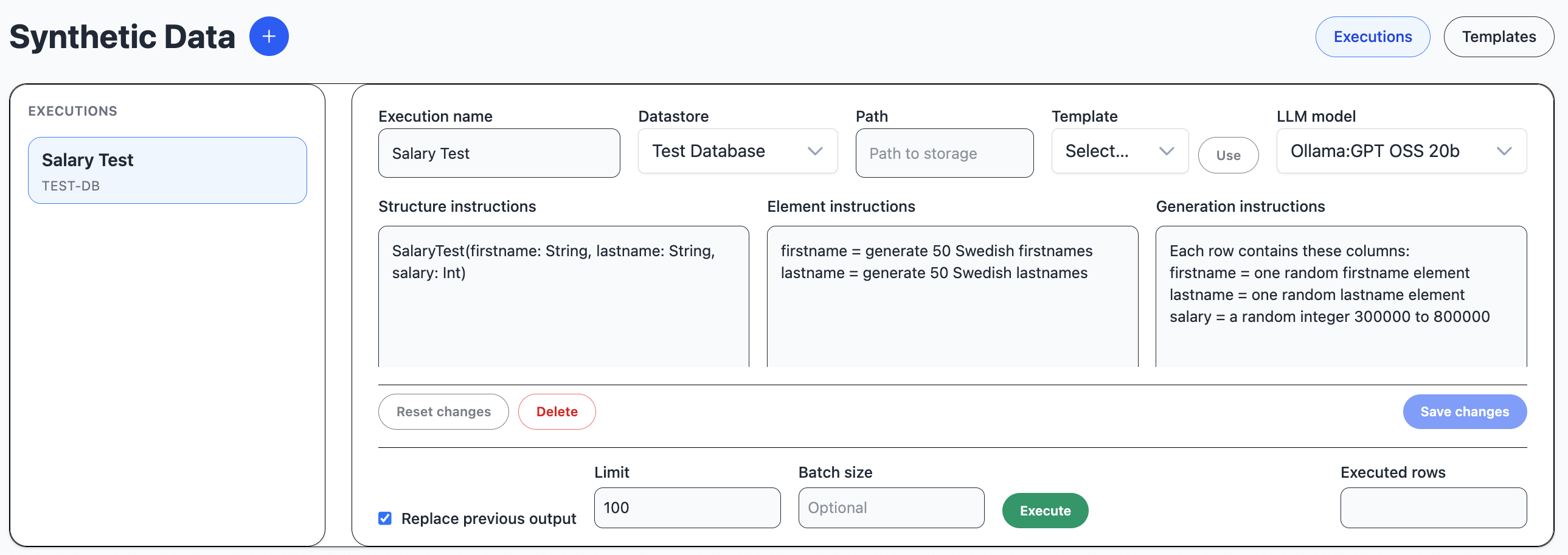
The synthetic module handles synthetic data generation.
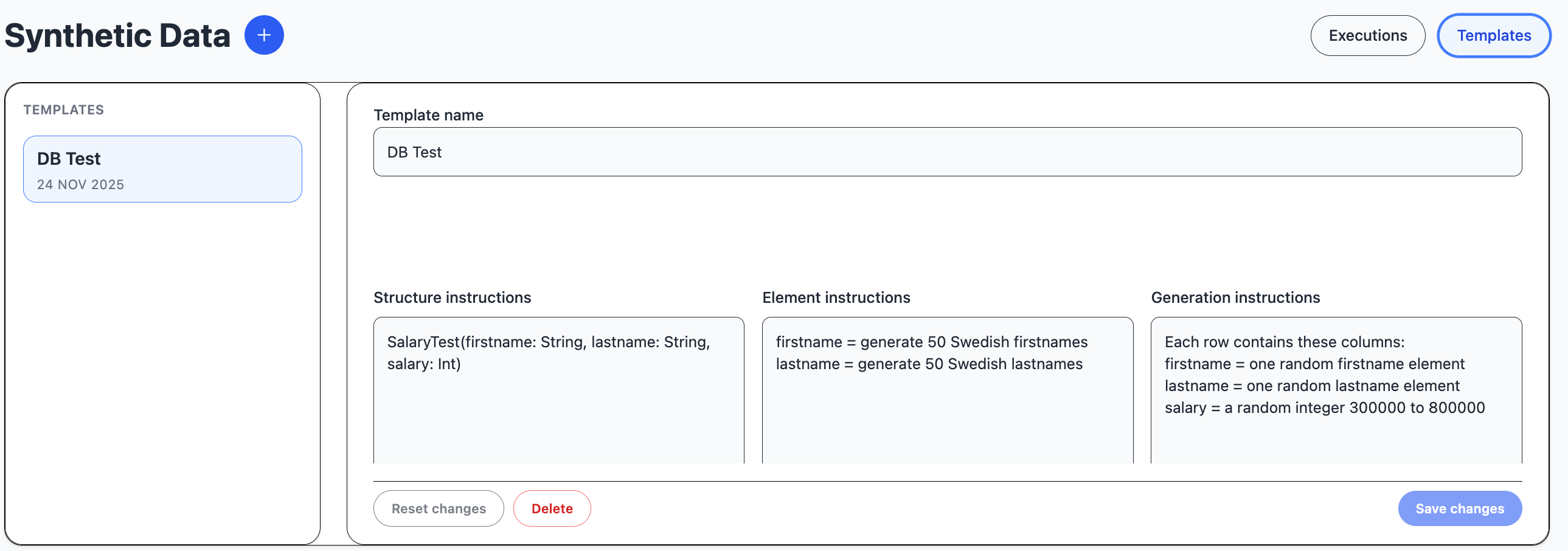
A synthetic template is a shortcut to populate an execution with instructions.
Chat
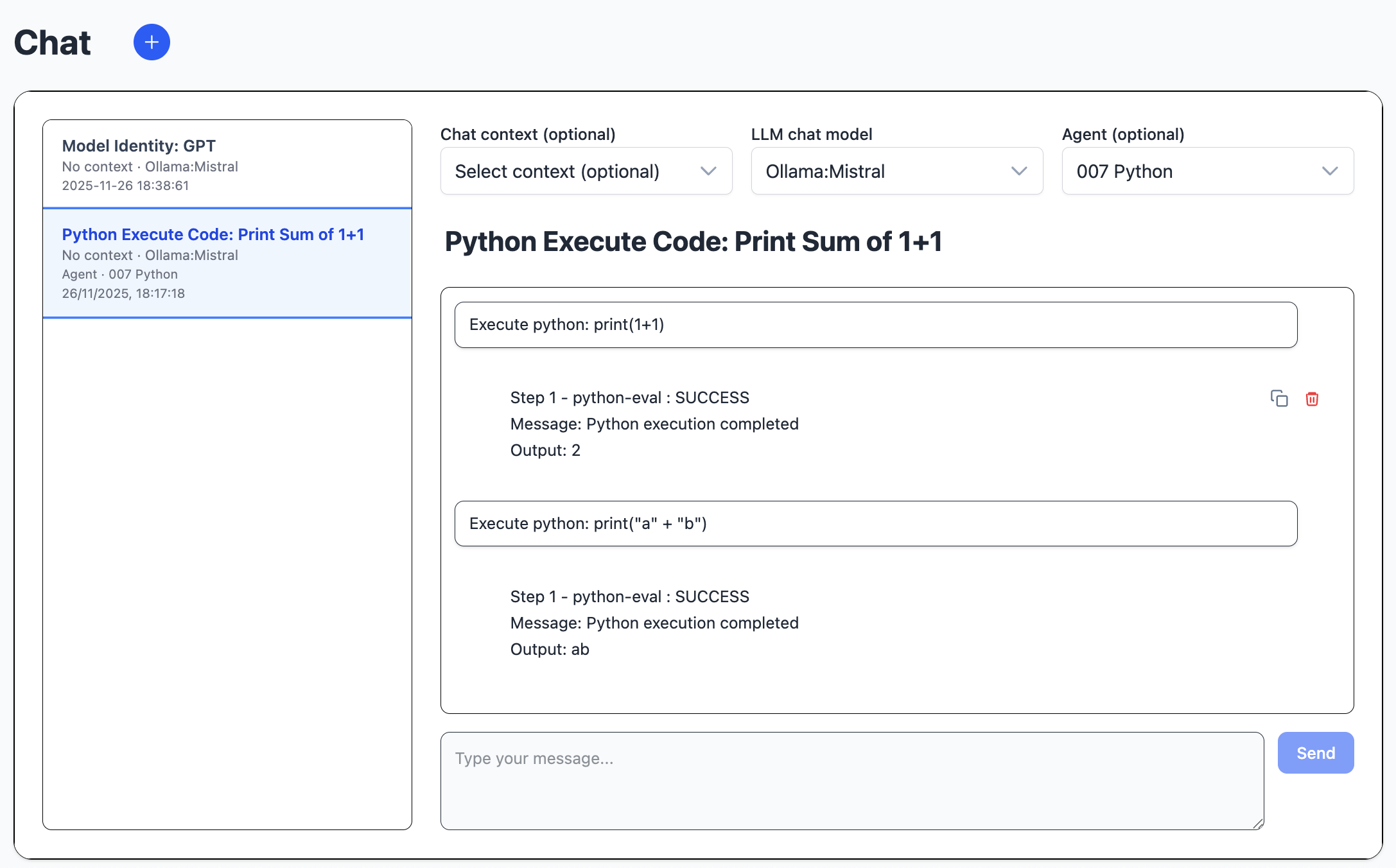
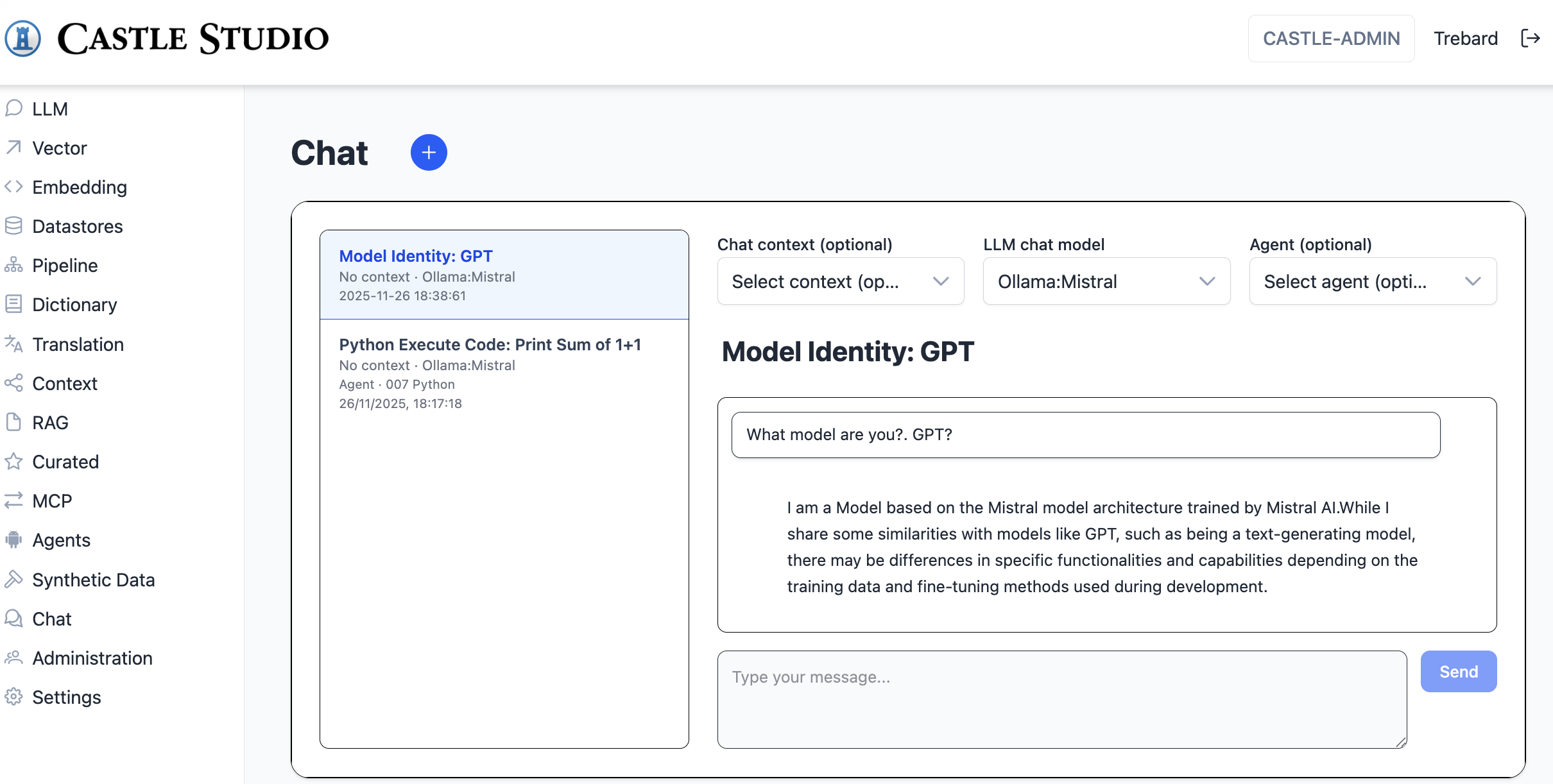
The chat module handles chat conversations.
The user types a message, and the llm streams a response.
Conversations belong to individual users. They consists of context, llm and agent selection, as well as user and assistant message history. The first user message is used to set the name of the conversation. The chat uses Spring AI chat history.
Administration
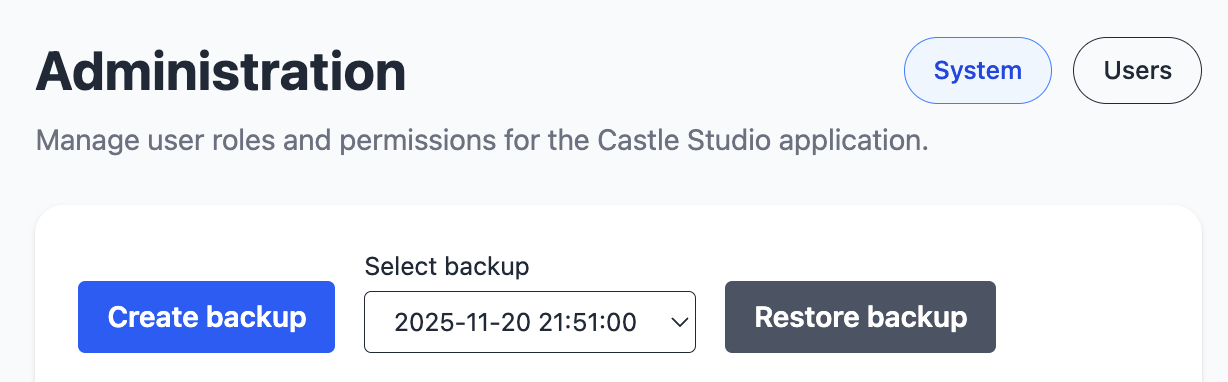
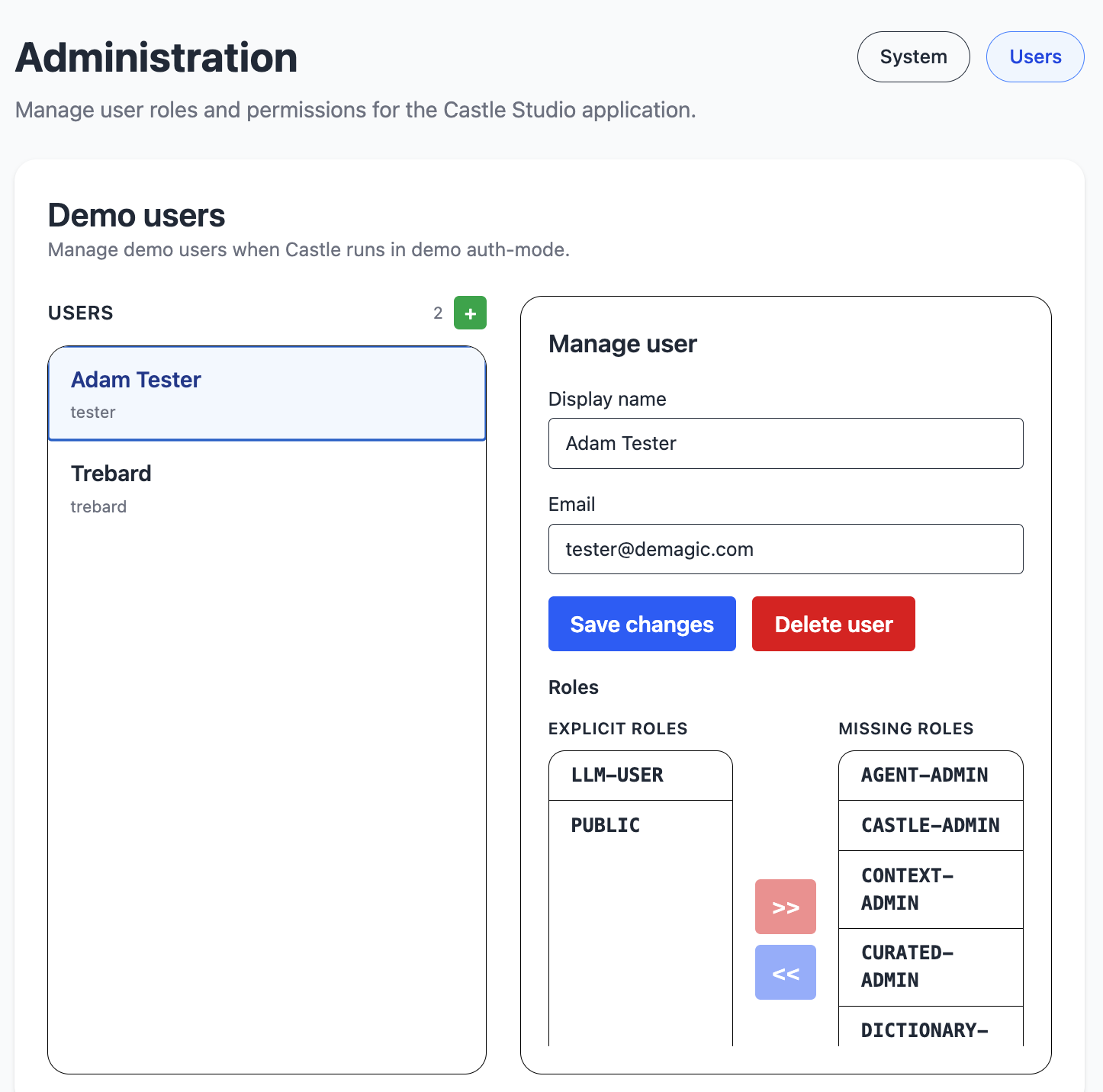
The admin module is used for managing the system, its users and their roles. It handles full system backup and restoration.
In demo authentication mode, you can manage users.
In any mode, you can handle user roles.
Settings
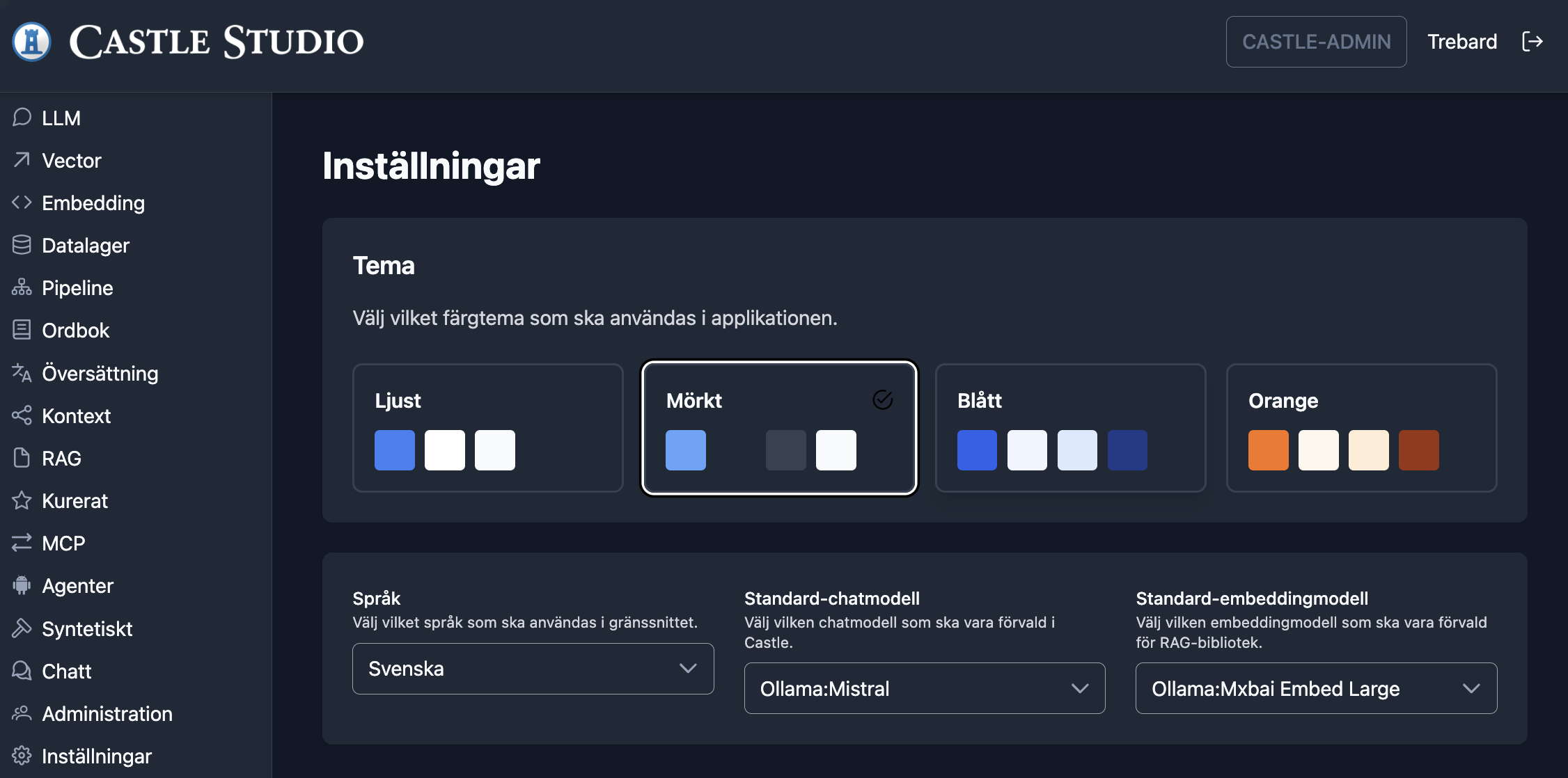
The settings module handles UI theme, UI language and preferred llm model selections.
Architecture
Contact

Contact Sven Trebard.