Deployment
Castle can be deployed in open or closed systems.
You can run Castle on a laptop.
This may require Docker or Podman to run postgres or pgvector.
You can run Ollama locally or as a container for chat and embeddings.
You can run Keycloak locally for OAuth 2.0.
Castle itself can be run as a container, an executable jar or in an IDE.
You can run Castle in an on-prem setting.
You need a database (vector database if you use rag and embeddings) and an OAuth 2.0 server
if you do not want to run in demo mode.
You can run Castle on a public cloud.
Authentication
The security mode is defined by the initial /castle-config response, where auth.mode defines authentication mode
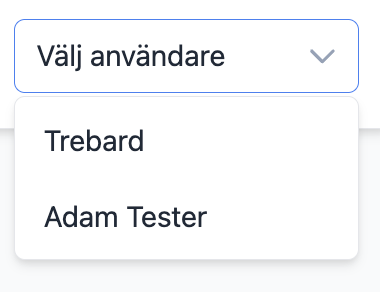
In the demo mode, you select a user in a dropdown. The admin user may manage users and roles in the administration module.
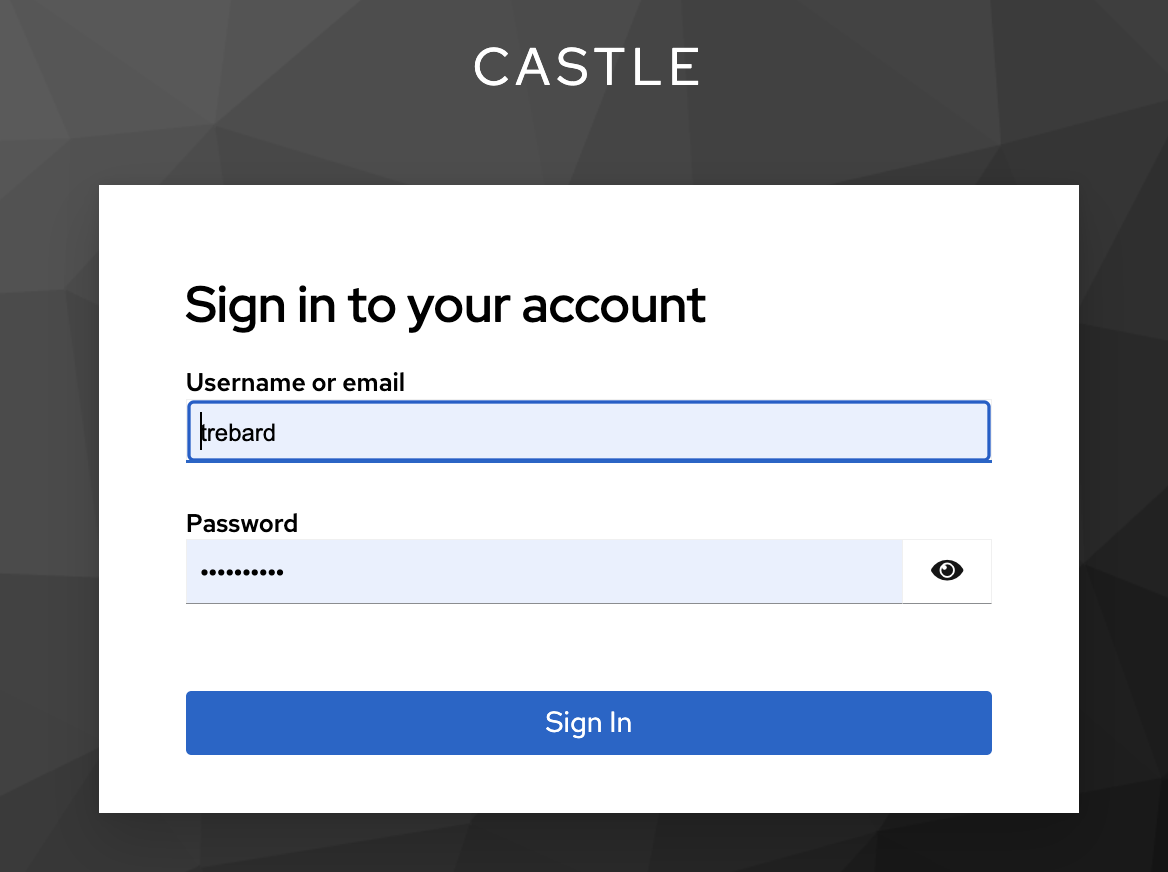
In the keycloak mode, the user logs in using Keycloak, an industrial standard OAuth 2.0 authentication system.
Castle roles may define an external role id, so that role handling can be managed outside Castle.
Roles
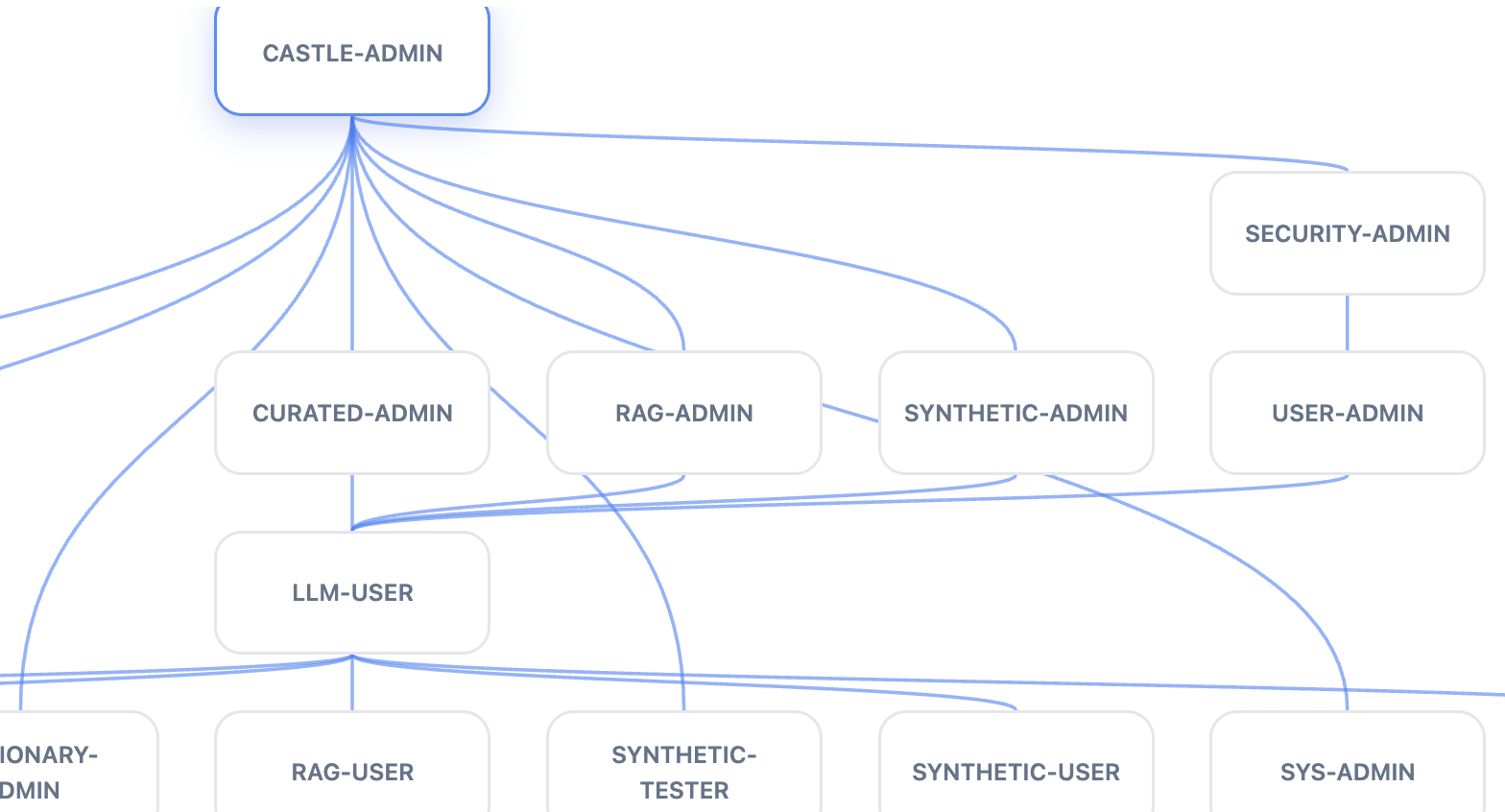
Castle uses roles to determine who has access to what. It is similar to Snowflake roles. A user selects which available role should be used for each request, and that role is used for access control, although external communication may also rely on OAuth 2.0 using JWT.
Roles may be transparent, which means they are aggregates of other roles. For instance, a transparent role may be defined as ROLE1 & ROLE2, which means that the user has access to both ROLE1 and ROLE2 assets. An asset with this requirement requires both ROLE1 and ROLE2. A transparent role may also be defined as ROLE1 | ROLE2, which means that an asset with this requirement requires ROLE1 or ROLE2.
Backup
In the Admin module, you can create a timestamped backup for the whole setup. You can also restore data from a backup.
This backup can be commited to GIT for permanent backups.
Extensions
Castle is a base system, which can be extended, primarily with proprietary Java implementations and various integrations.